
Final idea
Develop a digital tool or process to aid the collaboration for future working from your findings in the previous three weeks.
- You should ensure this response is to your own emerging ideas on your own working methodology.
- Present your idea as a designed visual proposal in the format of your choice.
From my elevator pitch in week 7 – I have decided to further develop my first idea – Grow-zone the app.
My idea would involve the user downloading the app and logging in – and selecting their type of “grow zone” for planting i.e. indoors/outdoors. The app would then use GPS, detecting the location of users current temperature/weather – this could then recommend season specific plants for the location (this could be fruit/veg/herbs/flowers/trees). There’s a collective user platform where images could be shared for inspiration to other users, advice, and even charts/timelines for seasons. This doesn’t have to be exterior – it could be an indoor space like a greenhouse or studio (users could even create a “living wall”!) so it can be for anybody.
The overall idea: user will be able to plan and purchase suitable plants in a physical space that detects your location through GPS, whilst having a portable community to connect with fellow users.
However, there are elements of the website idea that I think could work well on this app too so I would like to consider them in my design:
• The option to trade fruit/veg/herbs/plants/trees
• The option to trade old materials to encourage up-cycling
• Maybe the finalised tool will be available on app AND website? – Decided not to make the website at the beginning stage as the app needs to be portable and would be best on an ipad/mobile.
Development
The homepage:
As this is the first point of contact my customer will see, I need to ensure I present the correct navigational buttons to relate to a specific customer – this will make a successful collaborative tool. As my app will be enabling people to trade produce/plants, donate unwanted items, and monitor their own grow-zone, I need to have these options available.
The green circles have been positioned to look like a digitised tree 
I’ve put the logo of the tree in the title too -I have used typeface ‘Coquette’ for it’s natural, swirled lettering 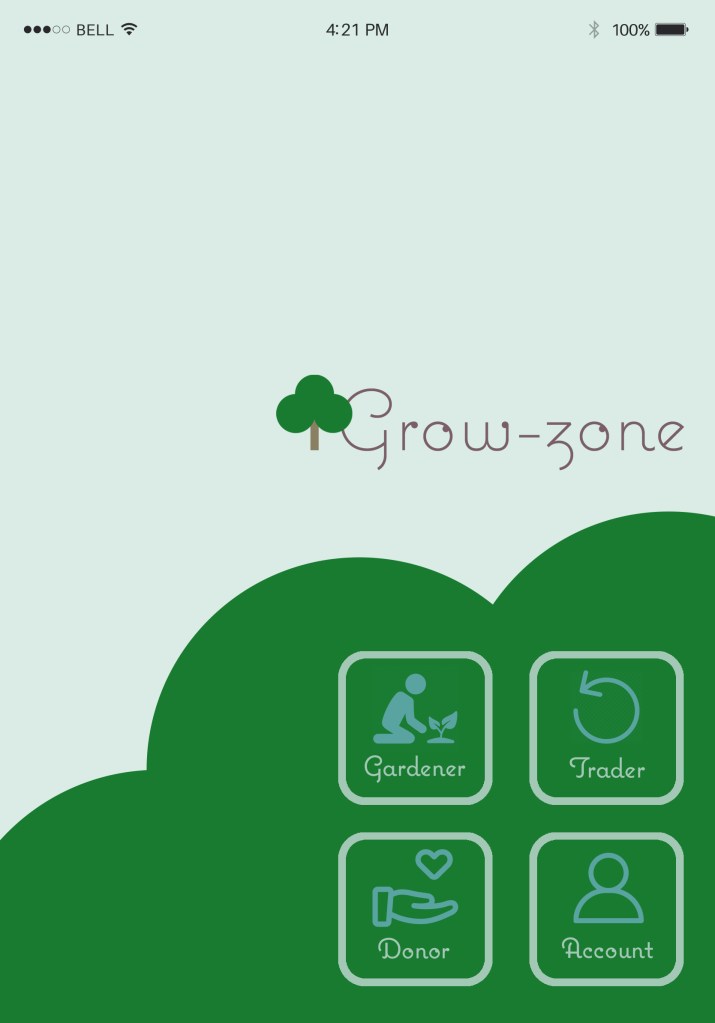
Deciding on the titles and placement of the apps 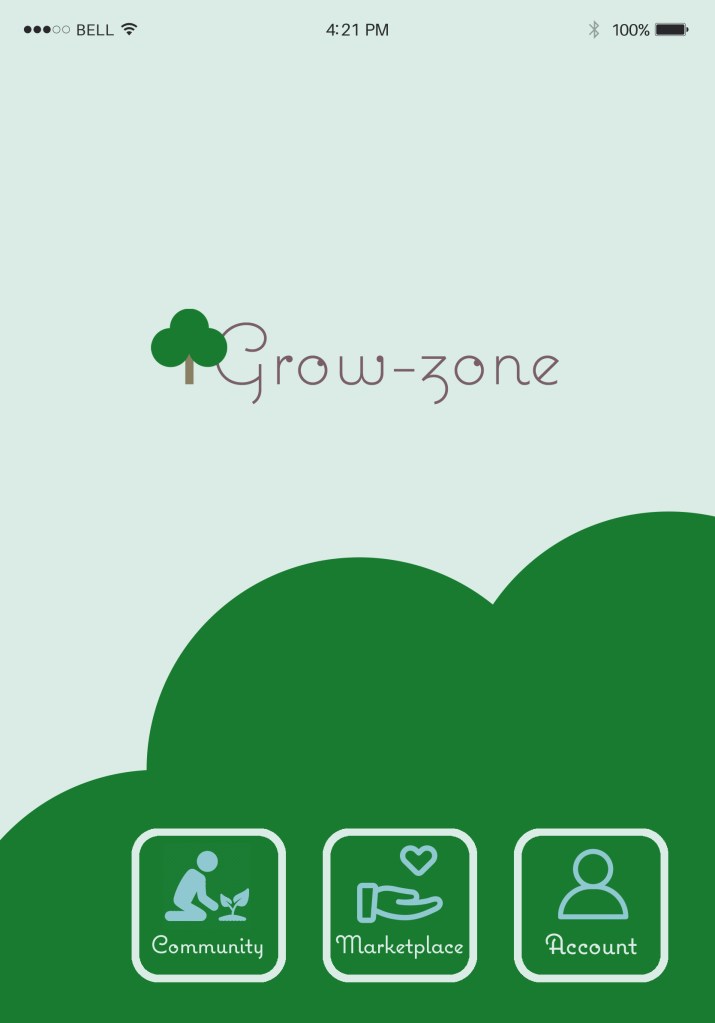
Condensing it down to three main options makes the homepage much easier to navigate 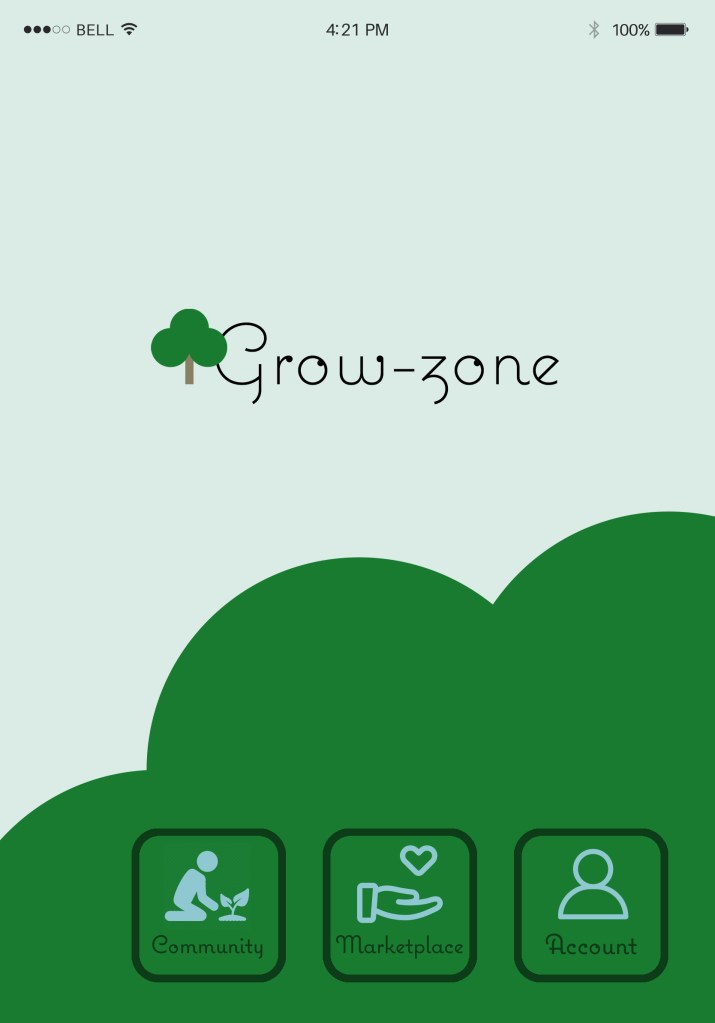
Adding in black creates contrast
I have finalised the options to three and they will mean:
• Community = the free social media side of things, where free trading could take place of vegetables, fruit, plants etc. and involves everyone and anyone interested in gardening
• Marketplace = the shop, and all things to sell and buy – this may attract people externally such as companies with warehouses who have access to useful allotment equipment (i.e. palettes) that can be up-cycled
• Account = the personal app owner’s progress, including diary, GPS, and other personal options to help keep them organised
The community:
After all, this is a collaborative tool and therefore I need to encourage people to download grow-zone and interact with each other. I’ve therefore based this area of the app on a social media site but used icons to make navigation easier.
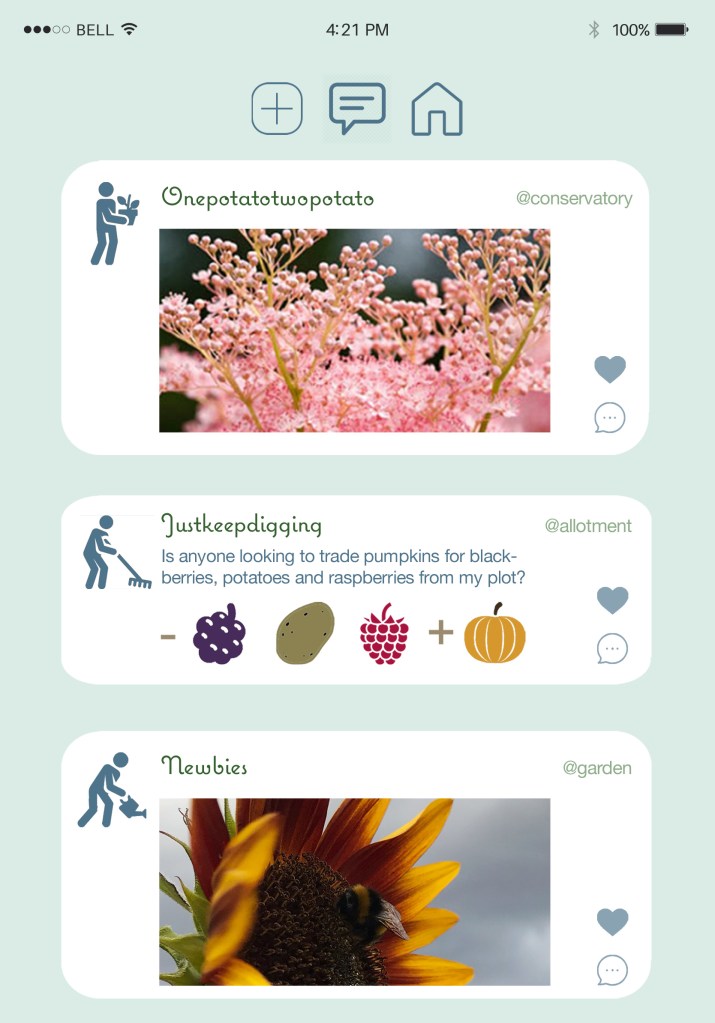
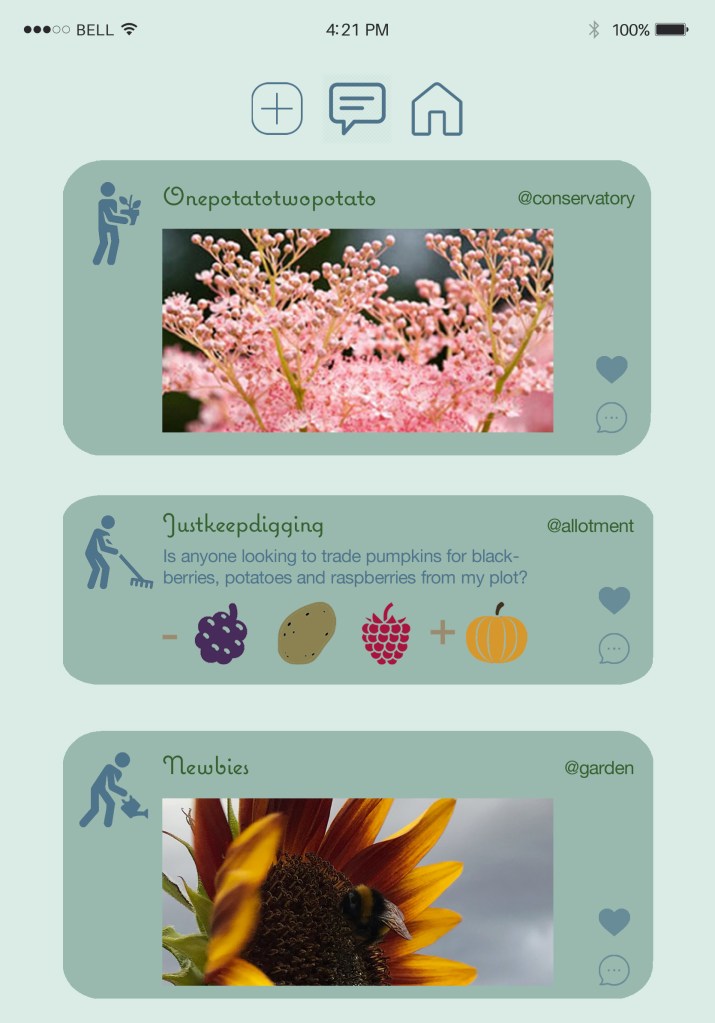
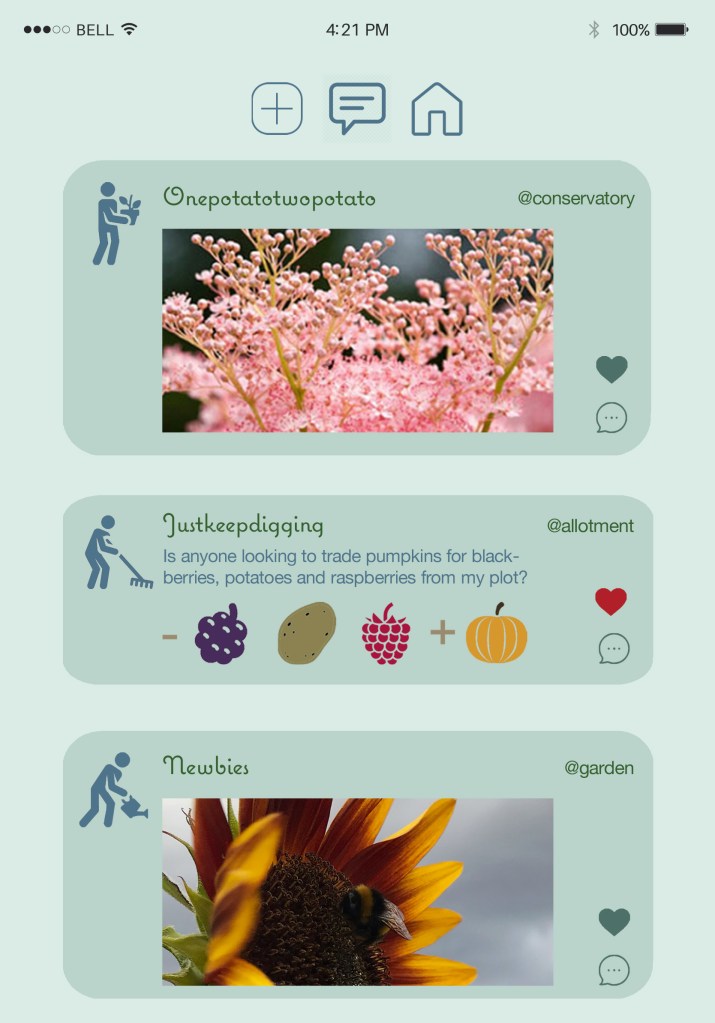
Too much blue, black was required for contrast 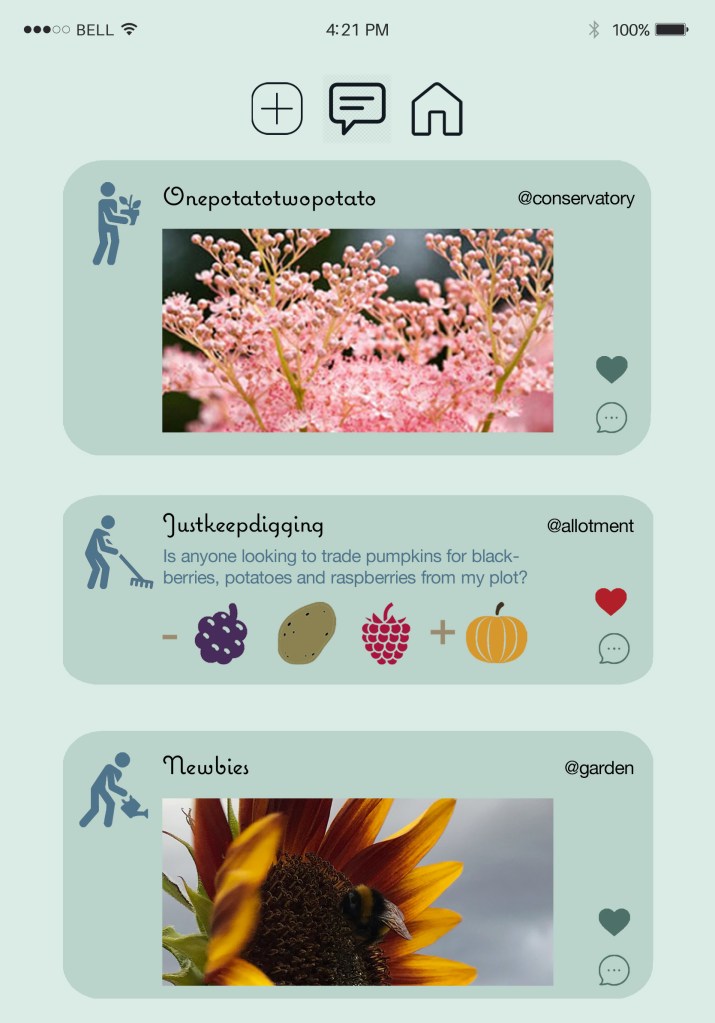
Making the heart red to show what posts the user has liked
Account/diary:
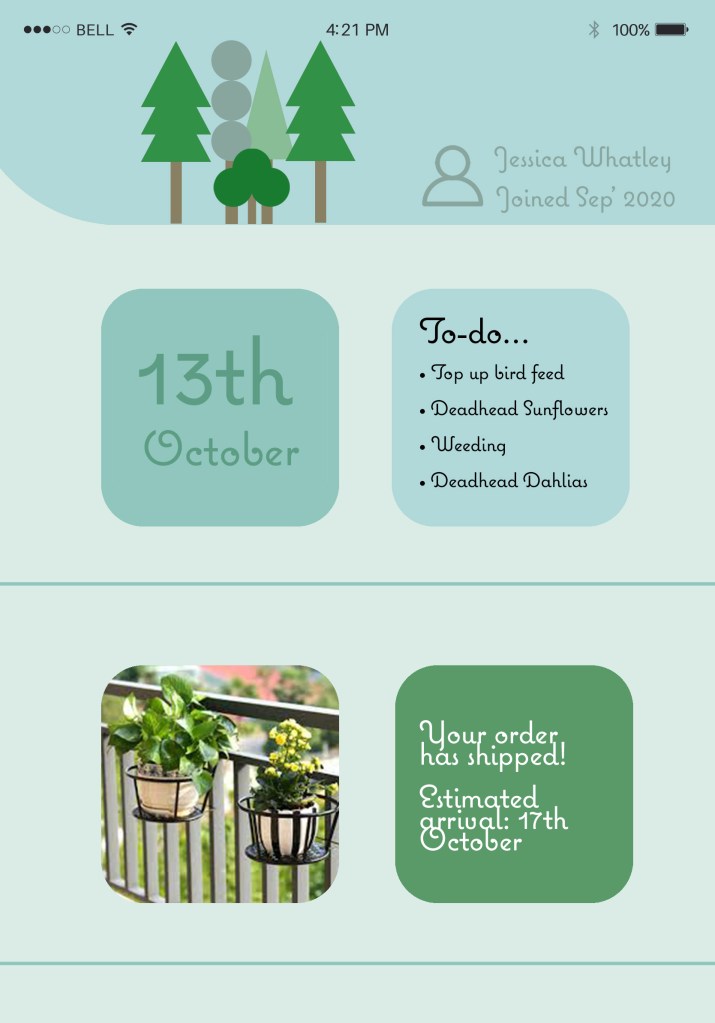
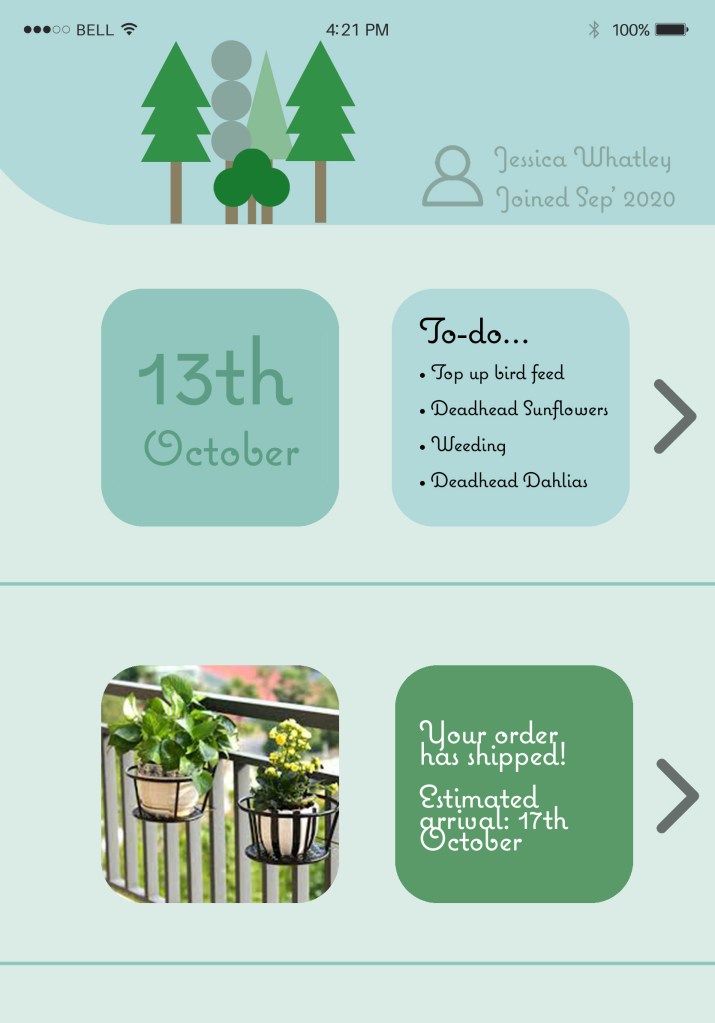
As my research identified that a gardeners diary in app form was all very limited, I have created a concept diary in my community engaging app that will enable customers to plan and store all of their gardening processes. I myself have found from owning the allotment that it’s very easy to forget what needs to be done, i.e. when you last did weeding – it quickly grows.
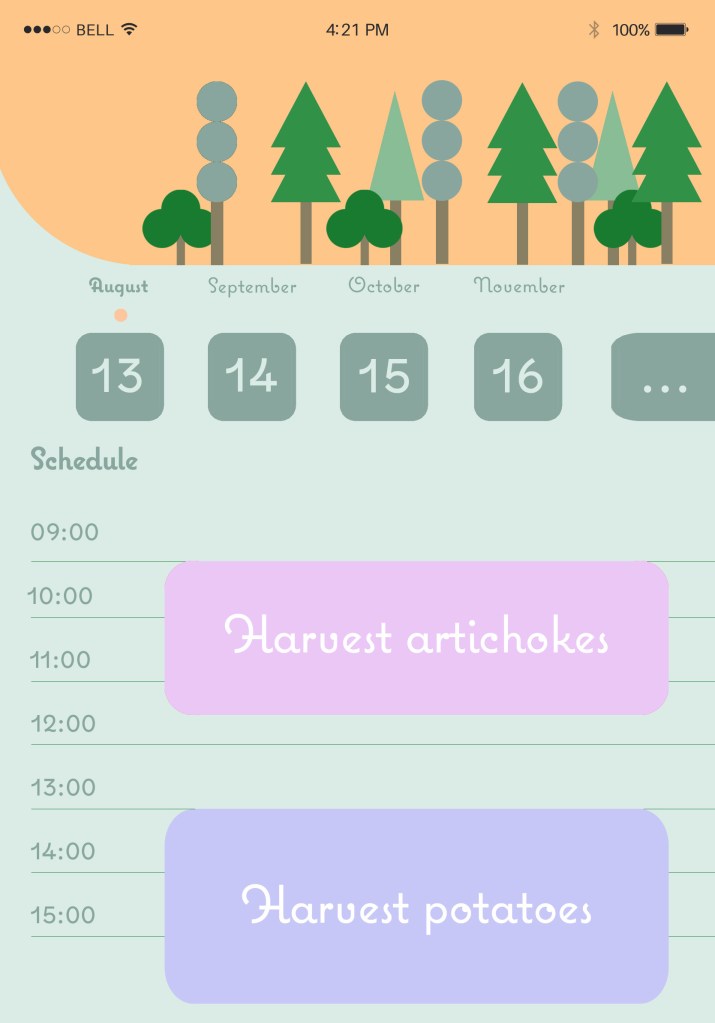
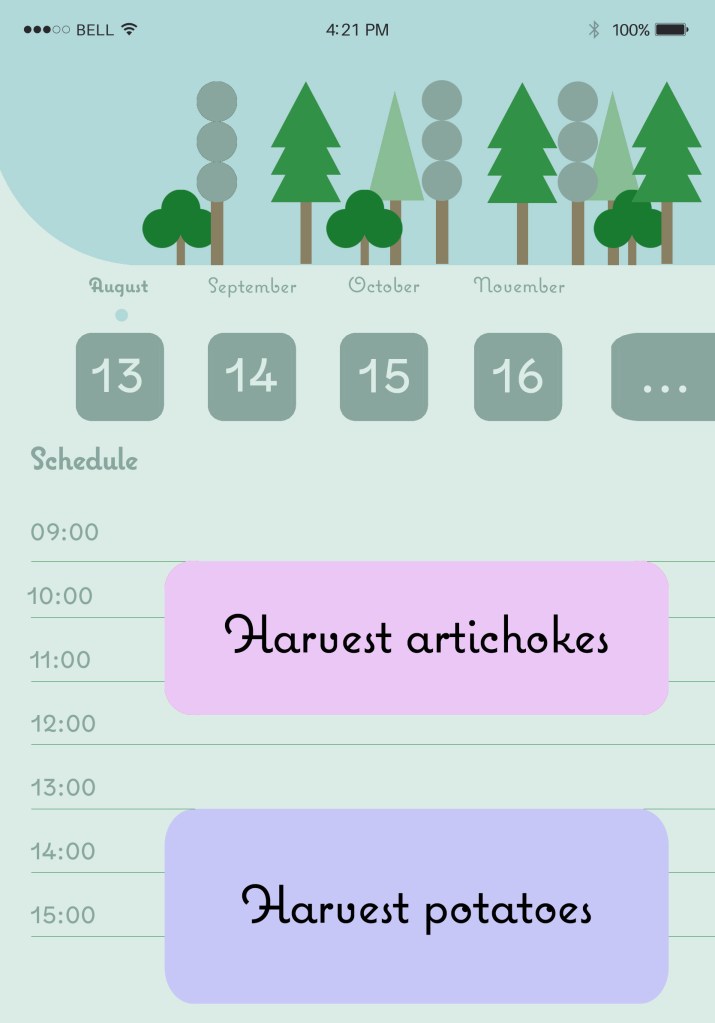
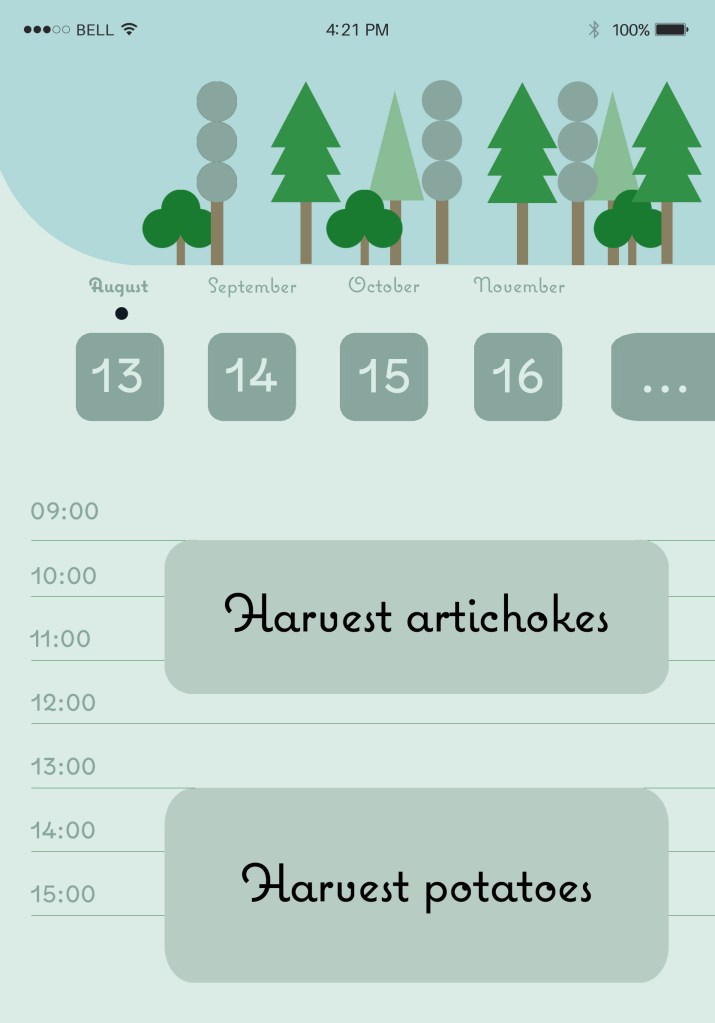
The pale blue fits better with the background, but having the shape as the header background differentiates the text from the rest of the page – it creates a section. This alone was enough, the use of a bright colour wasn’t needed too.
The GPS:
My app will have a GPS service that will identify the location of the customer, and then the type of area they are looking to install plants within. I have shown an example of a balcony (image taken from a decking company) and show the customer different balcony options for growing plants such as rail planters, hanging pots and wall hangings.
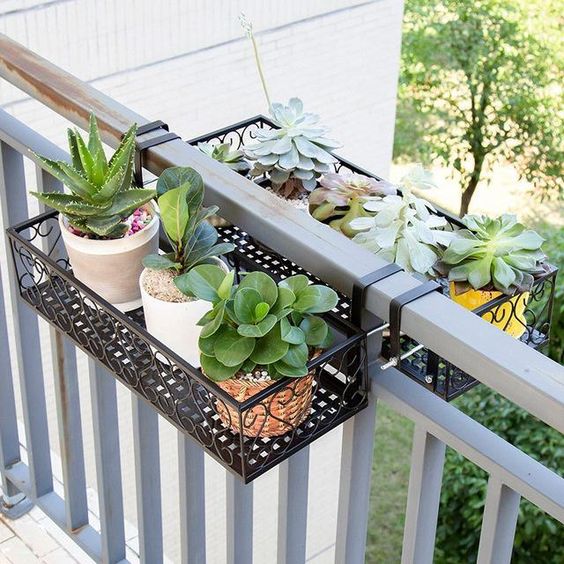
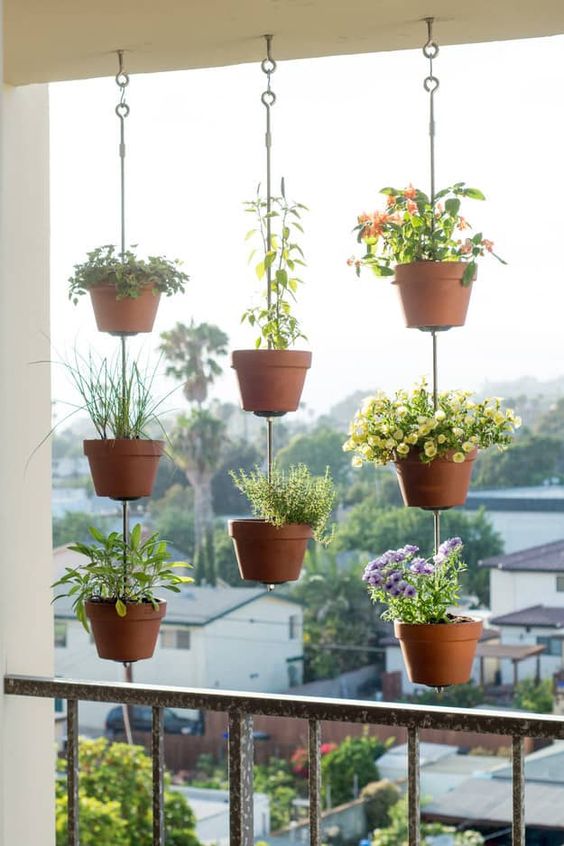
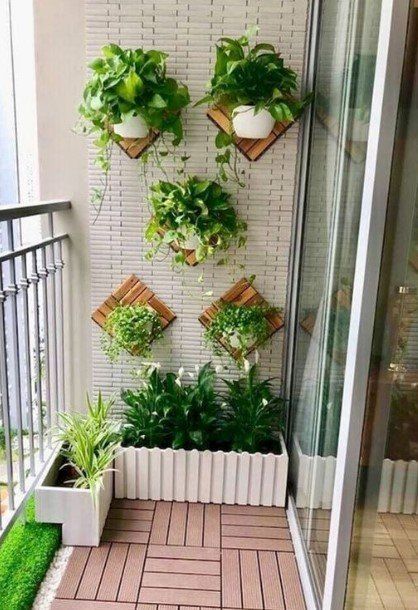
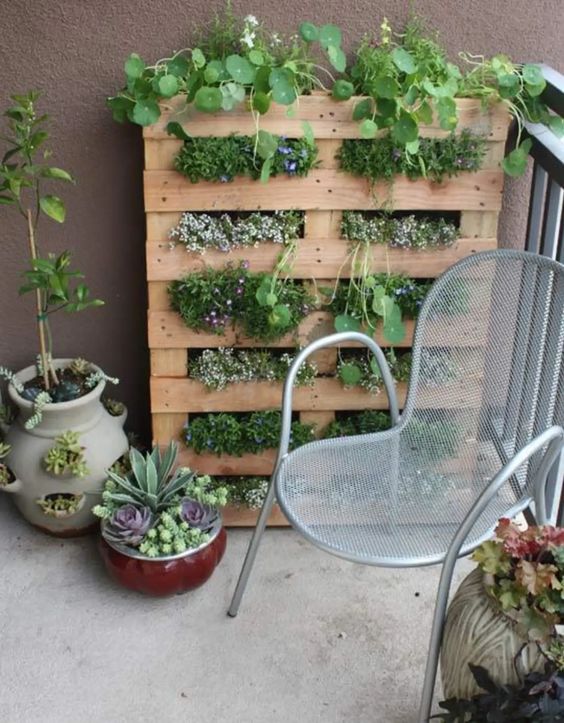
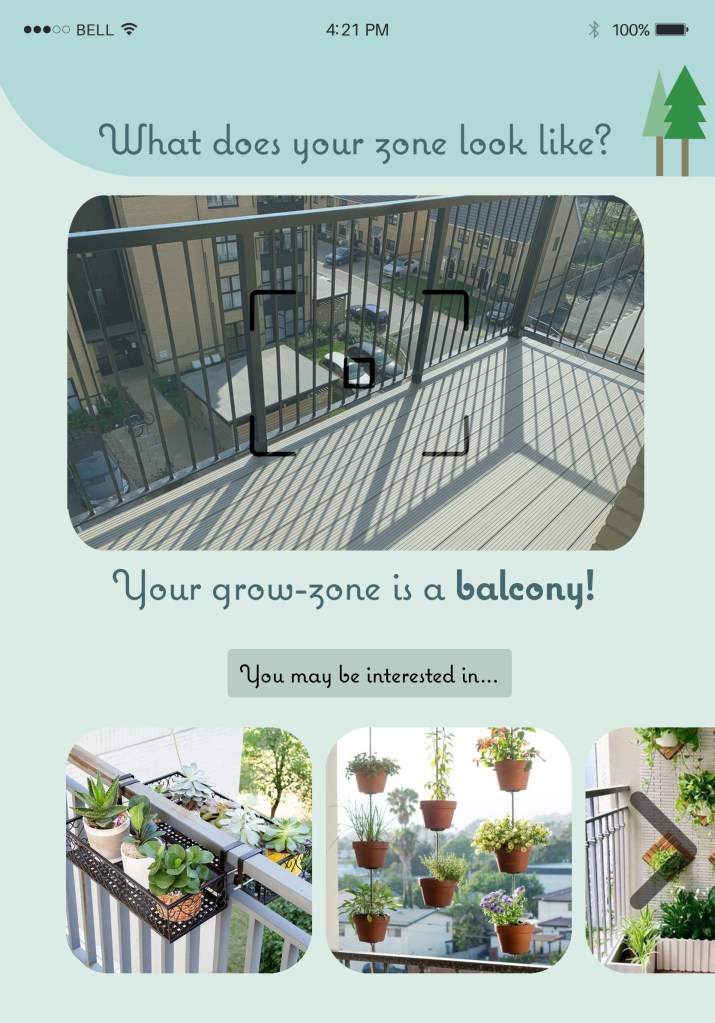
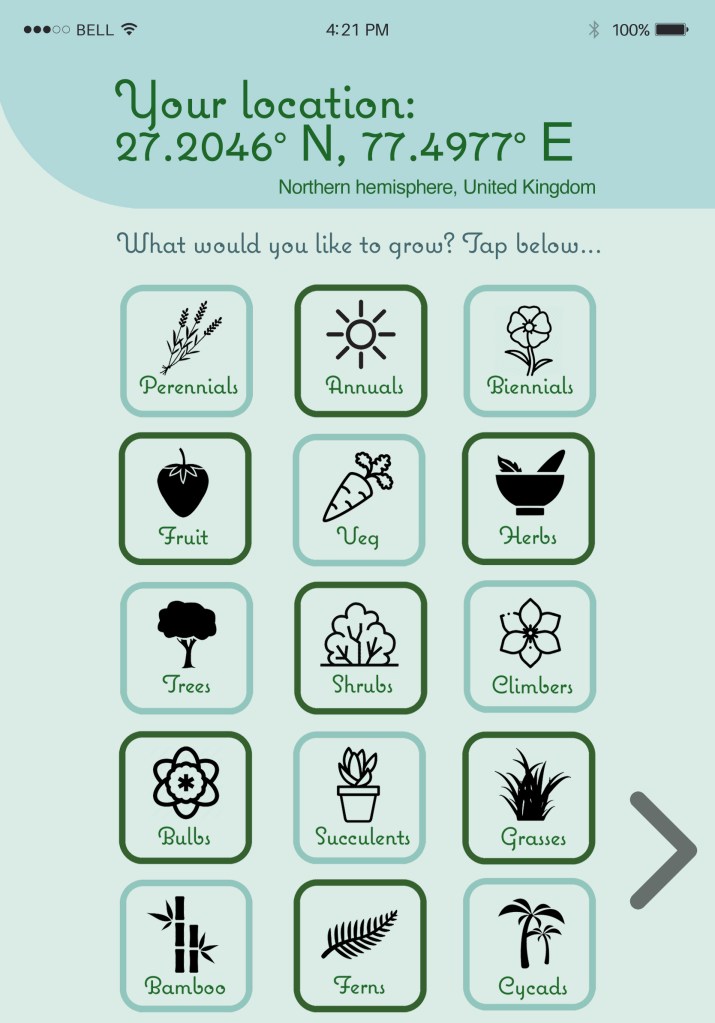
The icons will become enlarged when the scroll button is tapped, showing more than three examples.
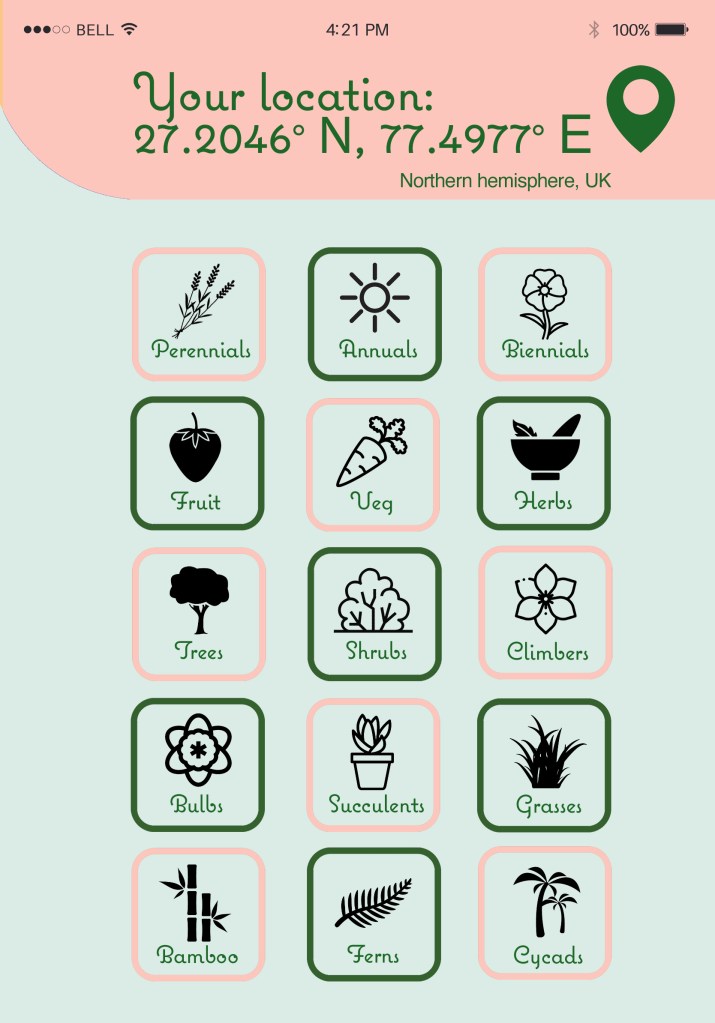
I felt it best to secondly begin to summarise all of the different plant varieties, as customers are going to want different style gardens based on their preferences. The idea is the customer will select the options they are interested in, which will then guide them to plants that are relevant to their interests.
Original draft 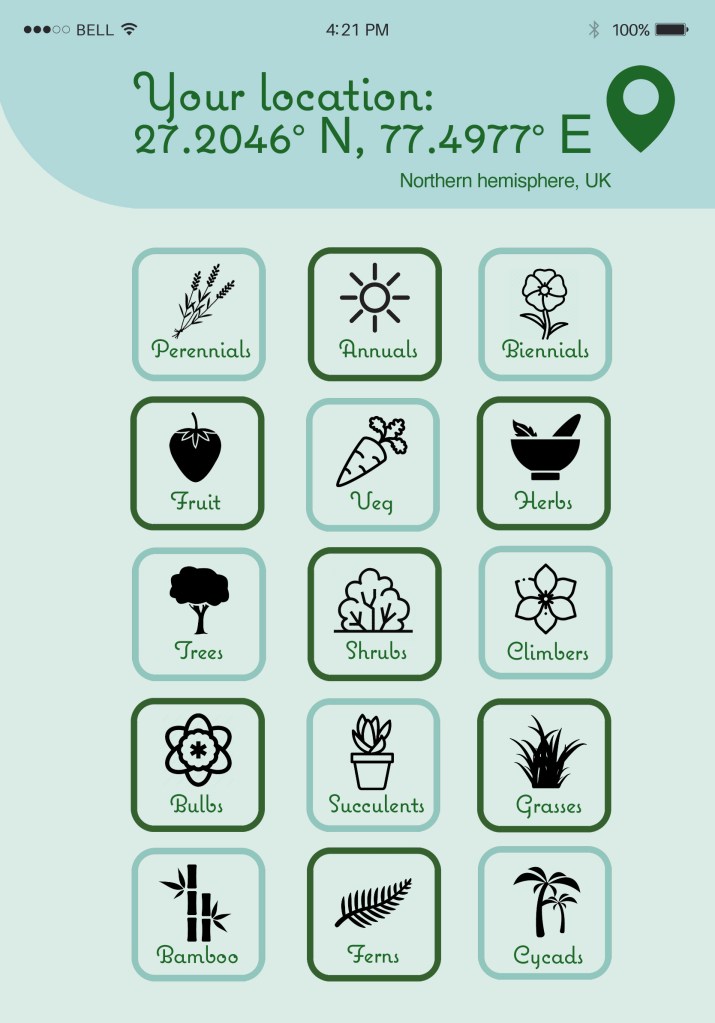
Changed colour to fit in with the theme 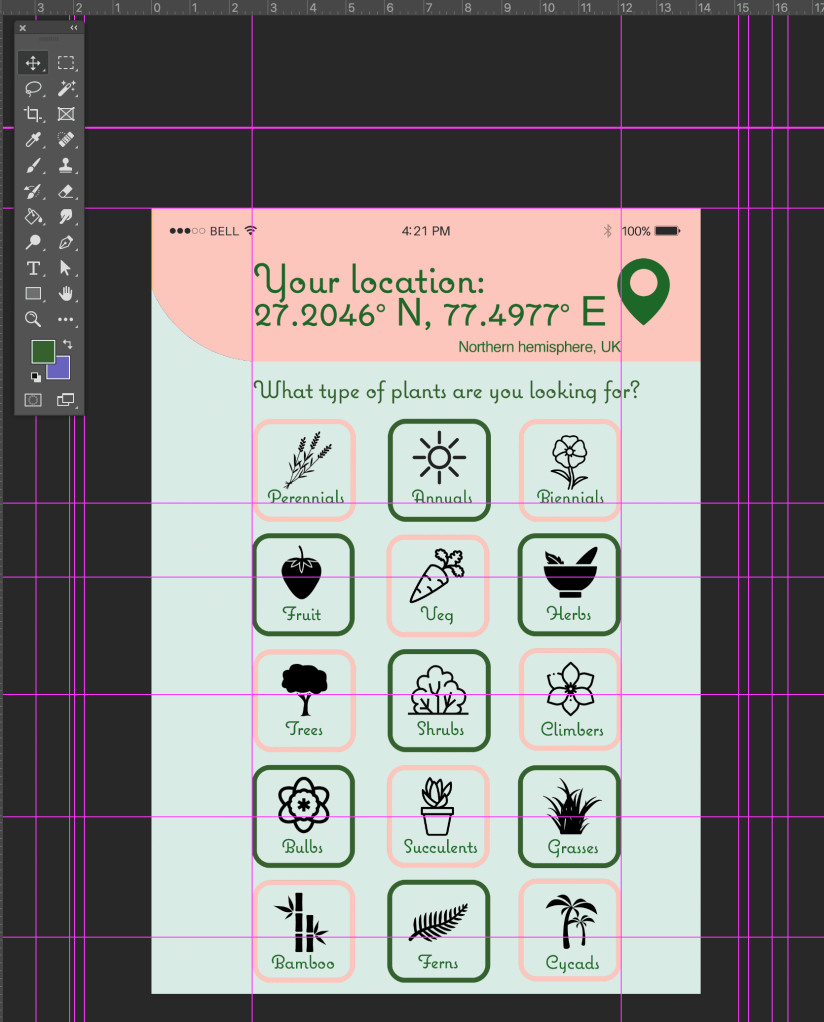
Having a question on the page guides the user 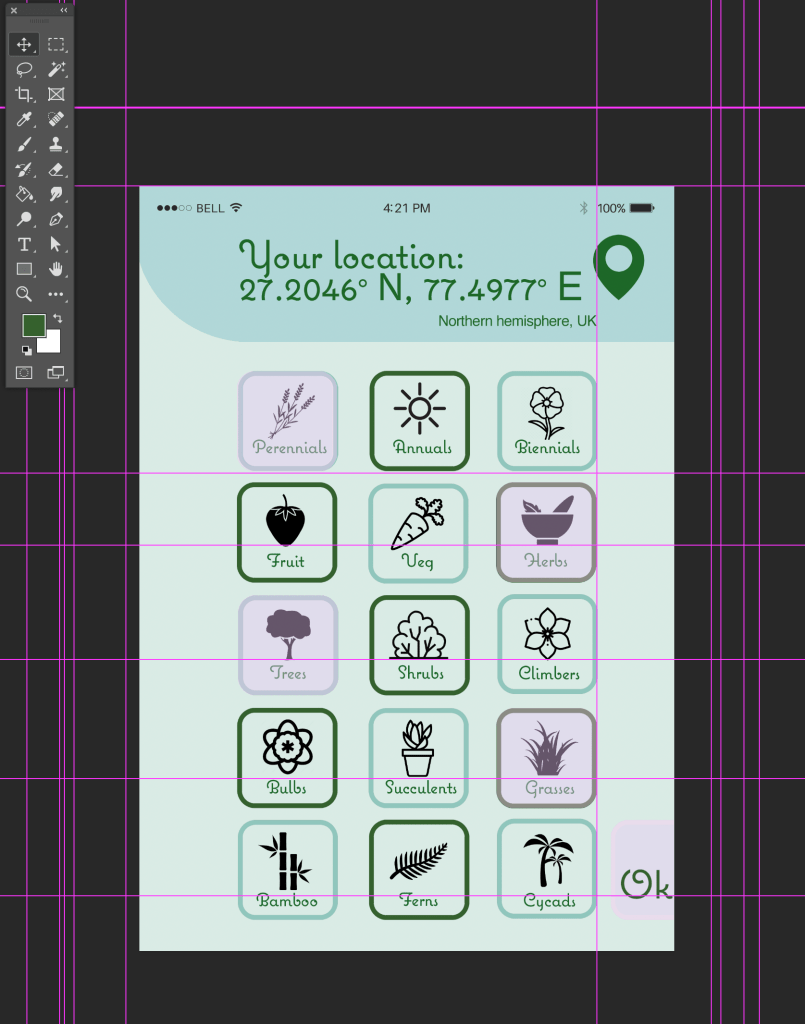
Realised I needed more room to add in a navigation button 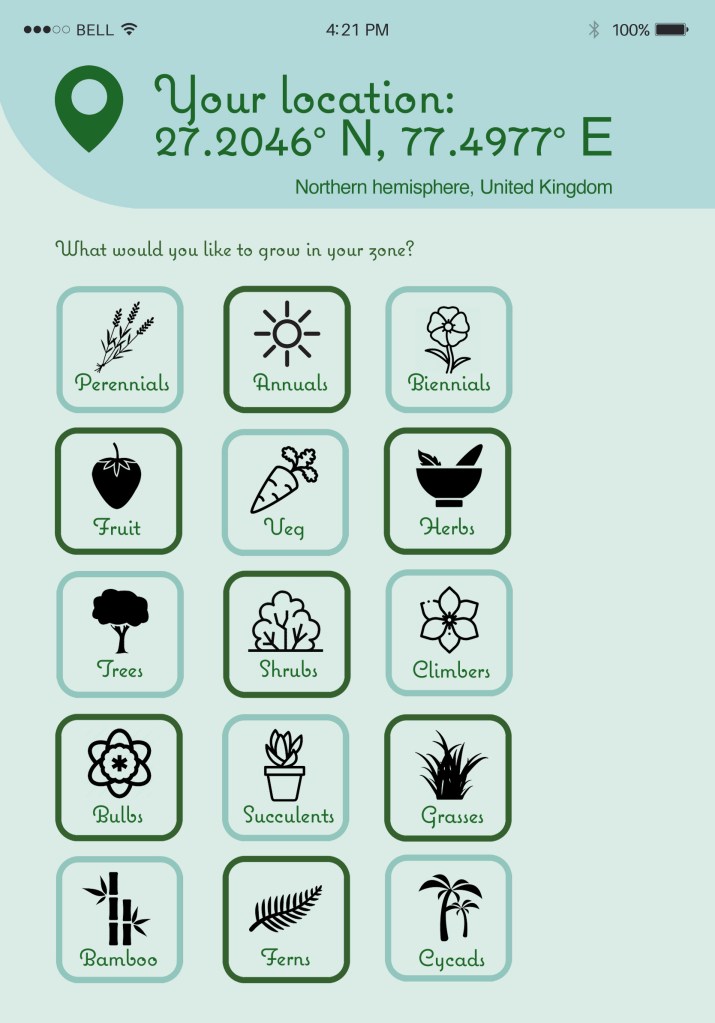
Left alignment, icons made smaller question added. This will be the screen users see when opening the page 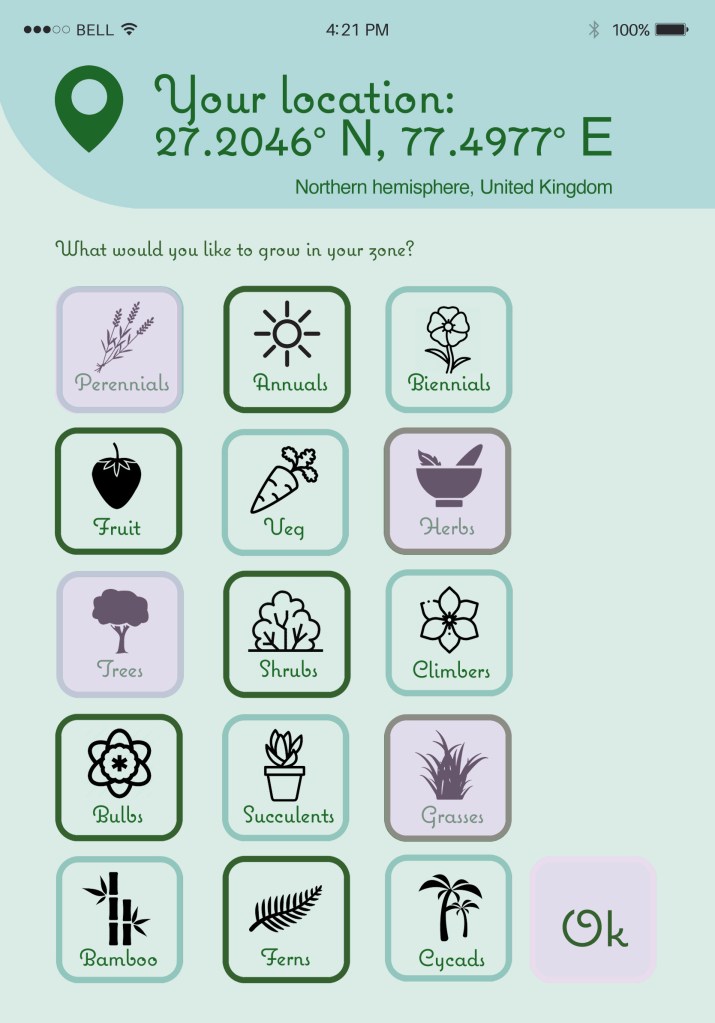
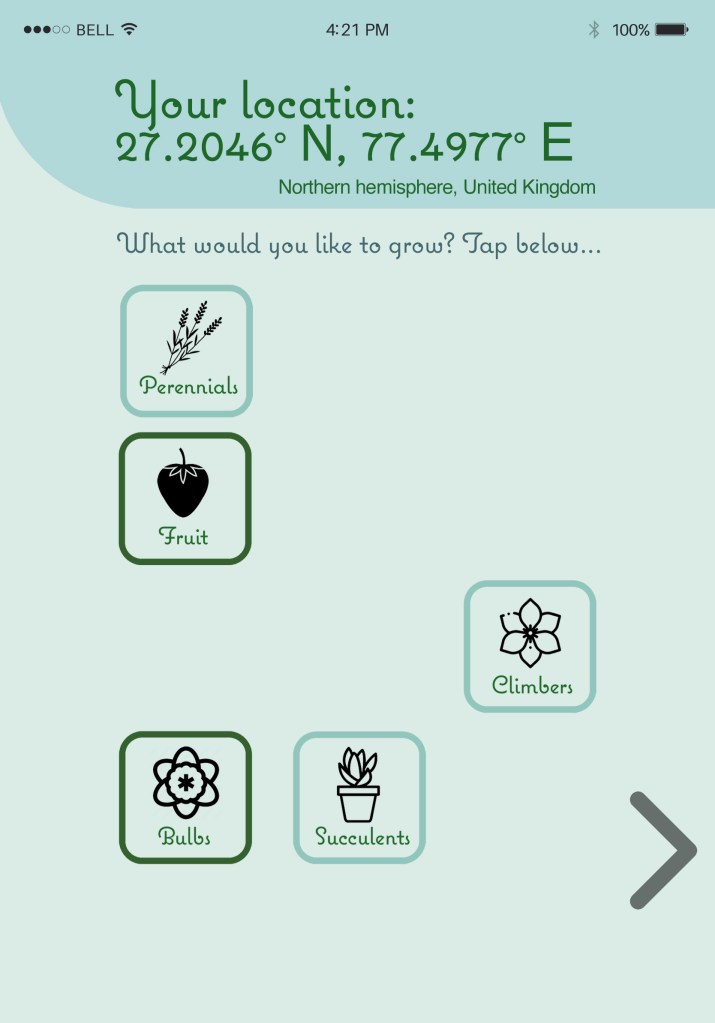
This will be what the user sees when they select some/all of their preferred plants
I have also rearranged how I would allow the user to navigate and select their options – asking the question helps the user understand the page and the ‘ok’ navigates them after their selection of plant preferences (which turn pink when selected).
I still didn’t like the pink and after having designed the other pages, I realised pink didn’t fit in with the theme. I have changed it to be in line with the green/pale blue/black theme, and also changed the ‘ok’ to be an arrow to be aligned with the other GPS camera page. I’ve also removed the GPS location icon as that just isn’t needed as well as the location coordinates.
 jesswhatley.design.blog