
Adobe XD software
I have never used XD before and I have made it one of my goals for this MA project to be able to learn it and apply my knowledge for my final project. Prototyping would have helped me massively in previous projects and I wish I had known about it sooner!
Filters and functions
Depending on what devices the customer is looking at the website/app, will change the functionality of filters on the page.
I’m going to look at a handful of websites just to gage whereabouts they have their filters on the page on ipad, web and mobile.
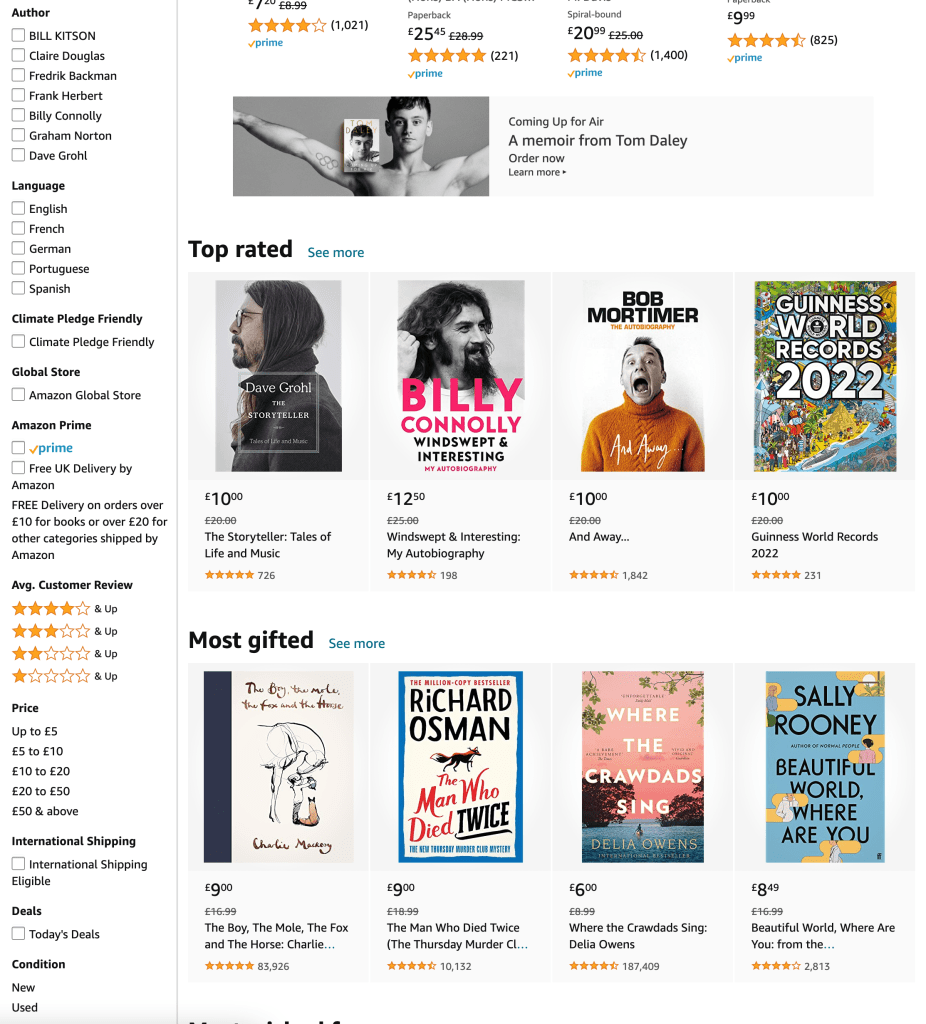
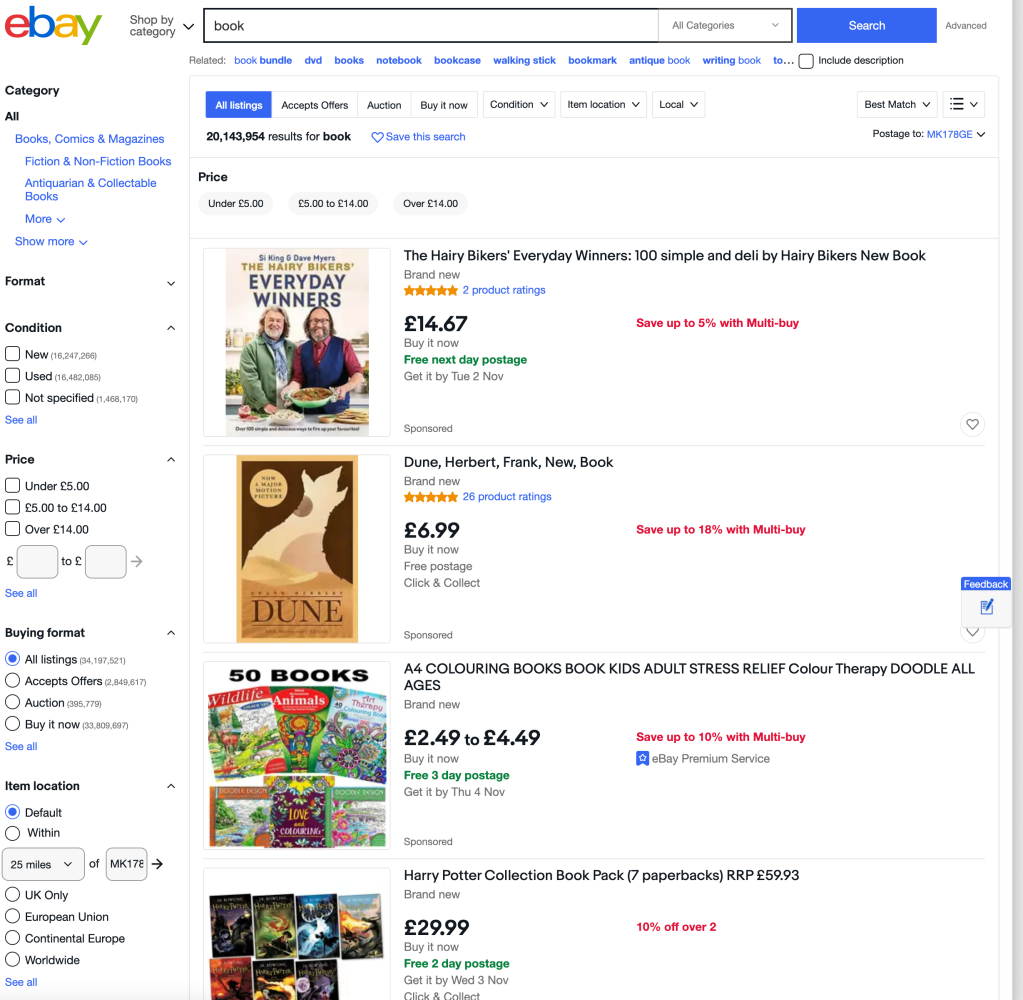
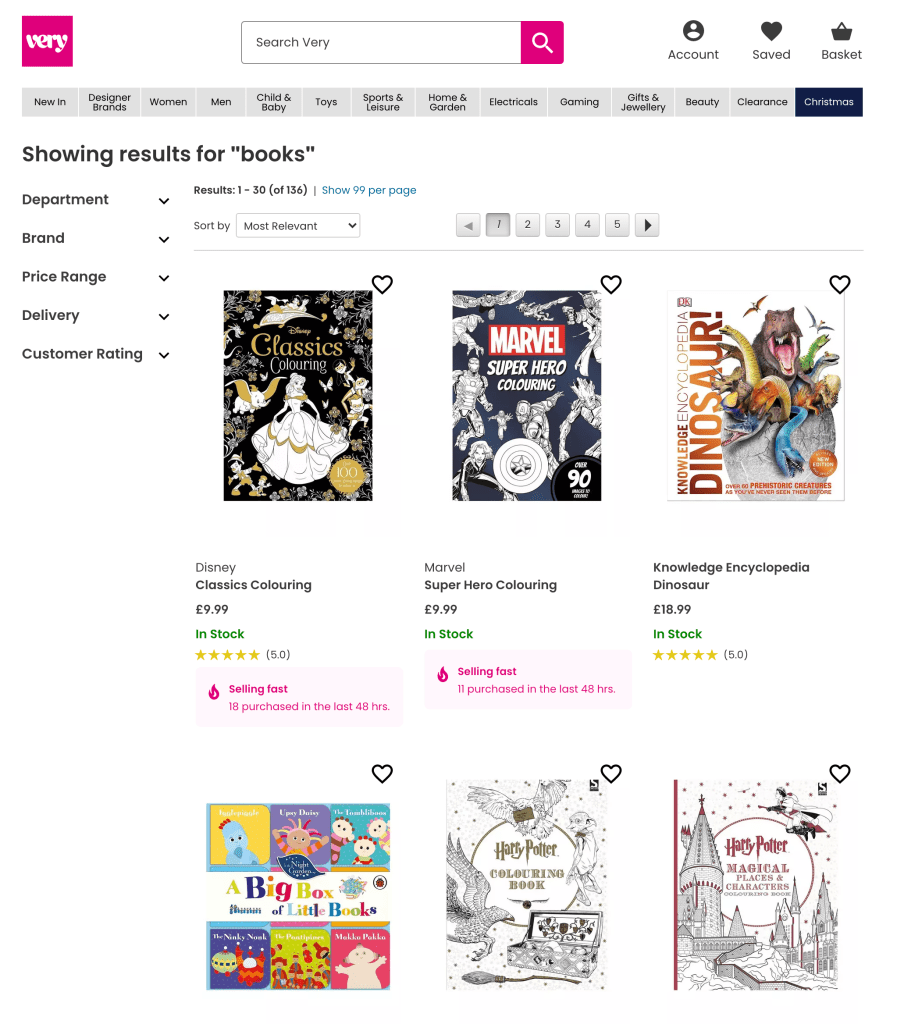
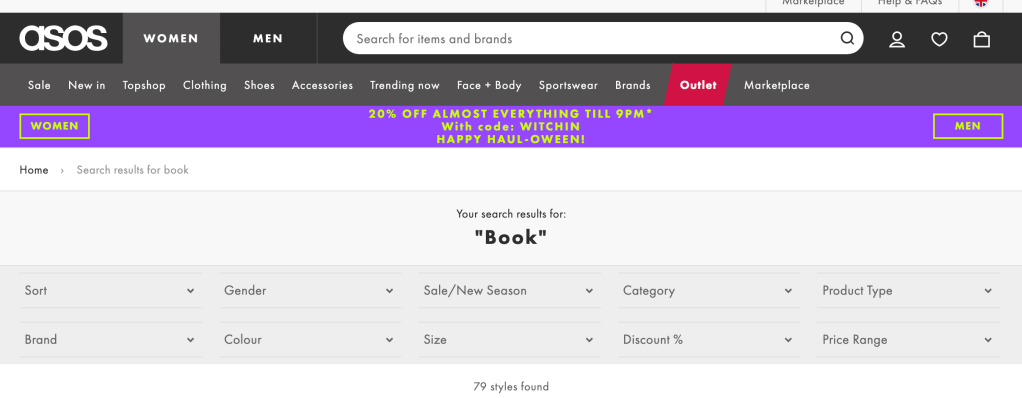
Desktop – examples:
- Amazon use a long list to the left of the page with various selections for filtering content
- eBay use a similar method to Amazon with a long list, but it can be opened up and more options can be selected
- Very have drop down arrows for filtering system on the left of their page, which keeps the website uncluttered and highlights the products. They also have a hover system where you can hover over each department.
- ASOS use a panel at the top of the site for customers to input their requirements for what they are looking for. They also use a hover over each department as well as Very: most websites have this option if there are lots of categories on the site.
Mobile
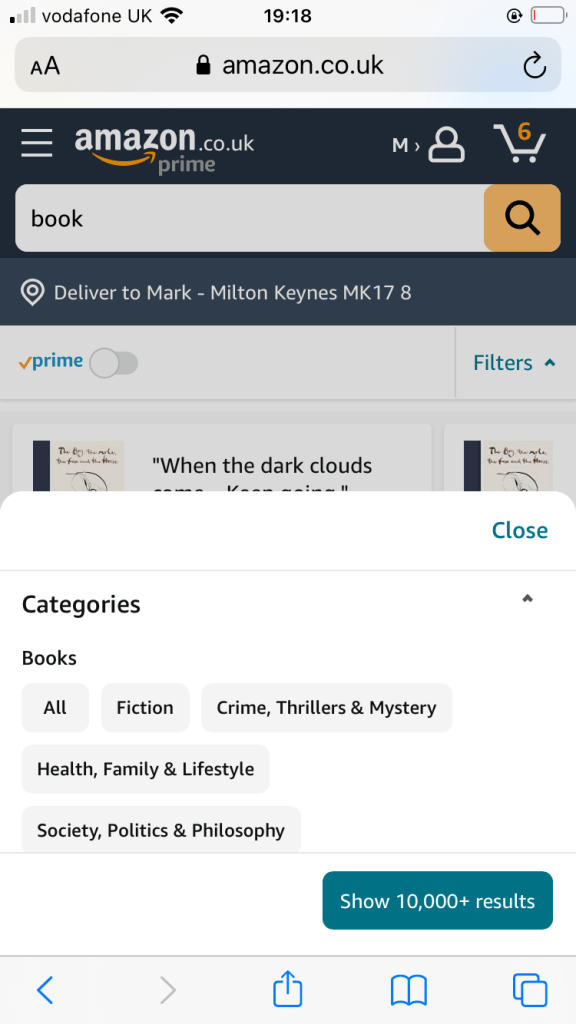
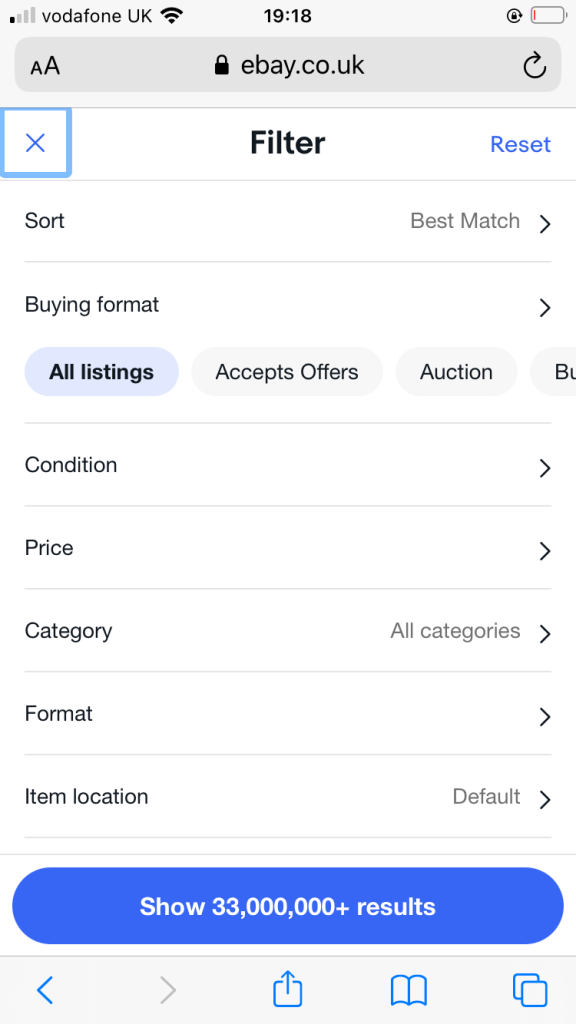
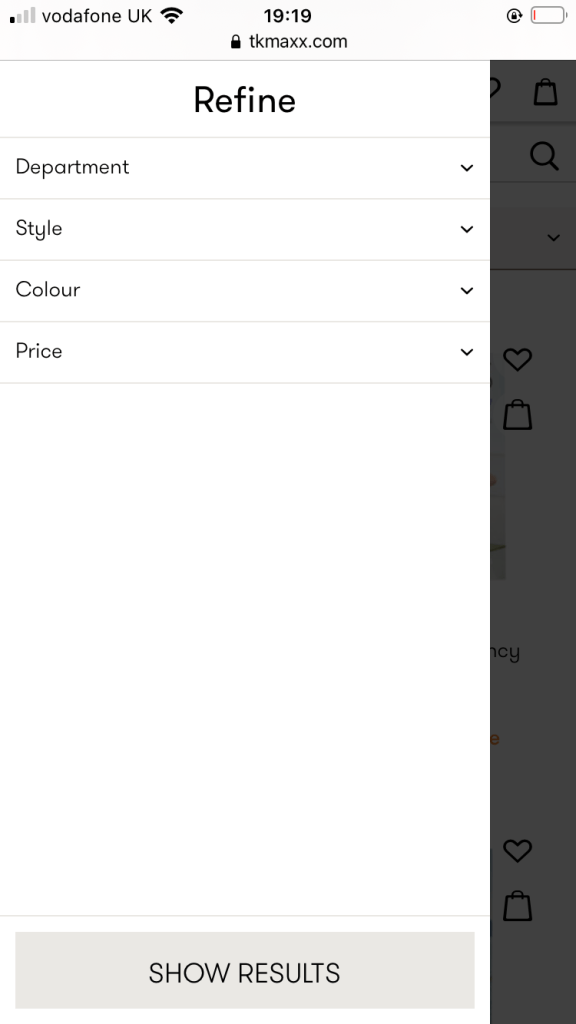
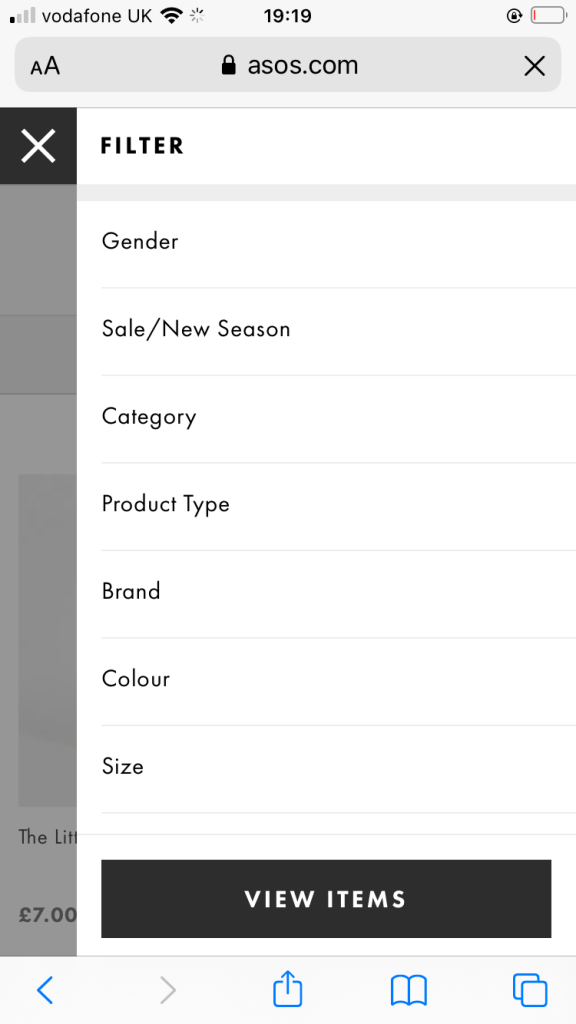
- All options have a click-through which takes the user to a pop-up of filtering options, with a button to ‘show/view/apply’ and an ‘x’ to close.
- It’s interesting to see the differences between web and mobile as below demonstrates – user navigation must be considered when I develop my prototypes for Eco-Collective.
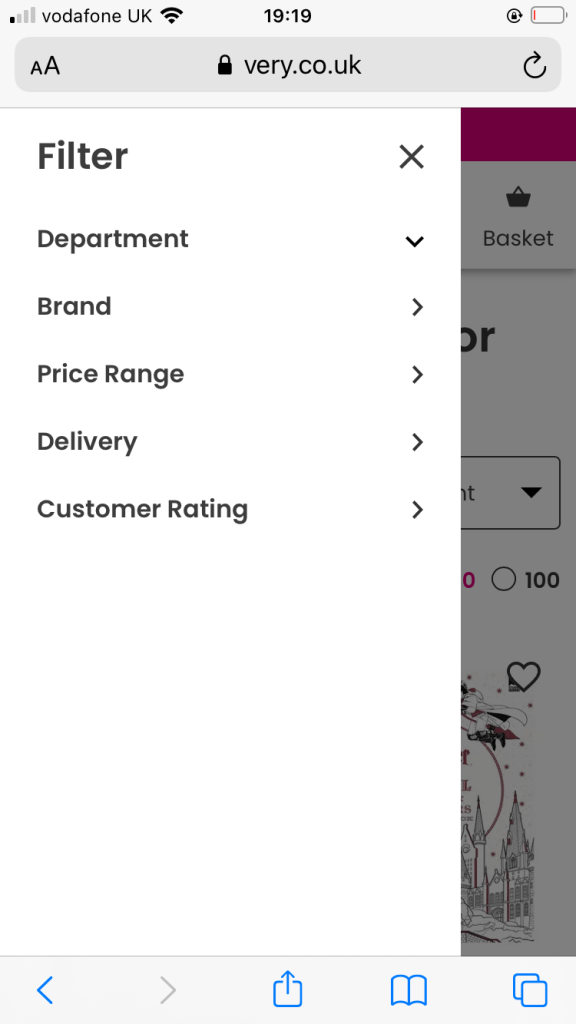
Combining everything I’ve researched this week
First XD prototype development
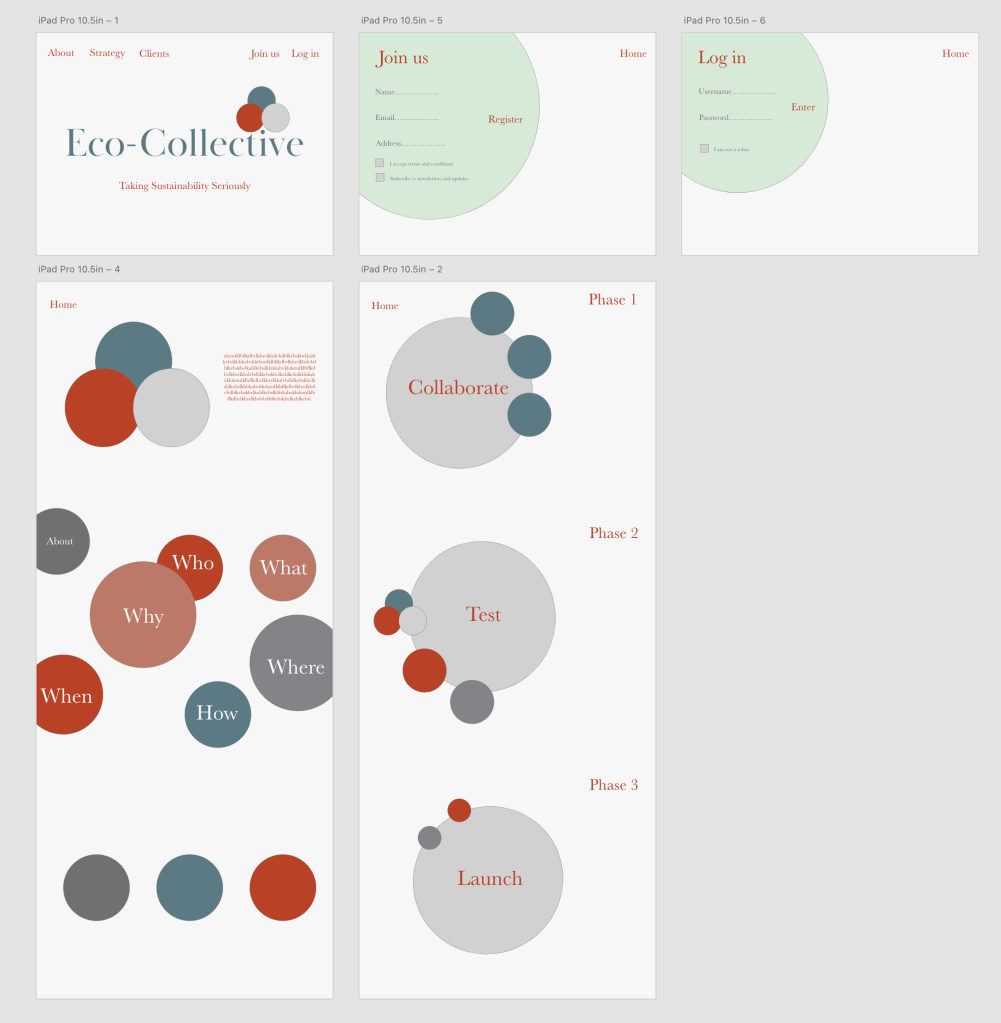
- Starting to apply basic skeleton layout in Adobe XD – brand new software for me so getting to terms with it
- Have been thinking about link through pages – what page the user is directed to when clicking each header or button
- The typeface or colours is not final, but I have started with shape placement to get a feel of what looks best on the page, and also where headers and text will be arranged
- Also playing about with colour scheme. Next steps will be to refine all of the below (especially typeface!) and include logo, and images
 jesswhatley.design.blog