
Brochure version #6
In Photoshop I have removed the backgrounds and saved scribbles I made (on the mock-up) as images to layer onto the brochure in Indesign. I am unsure how the highlighted one will work but I’m prepared to try it. Some of the arrows are lovely in themselves; I want to play around with scale and make them larger as well. I particularly like the bit of lettering I hand drew and want to experiment with layering that too:



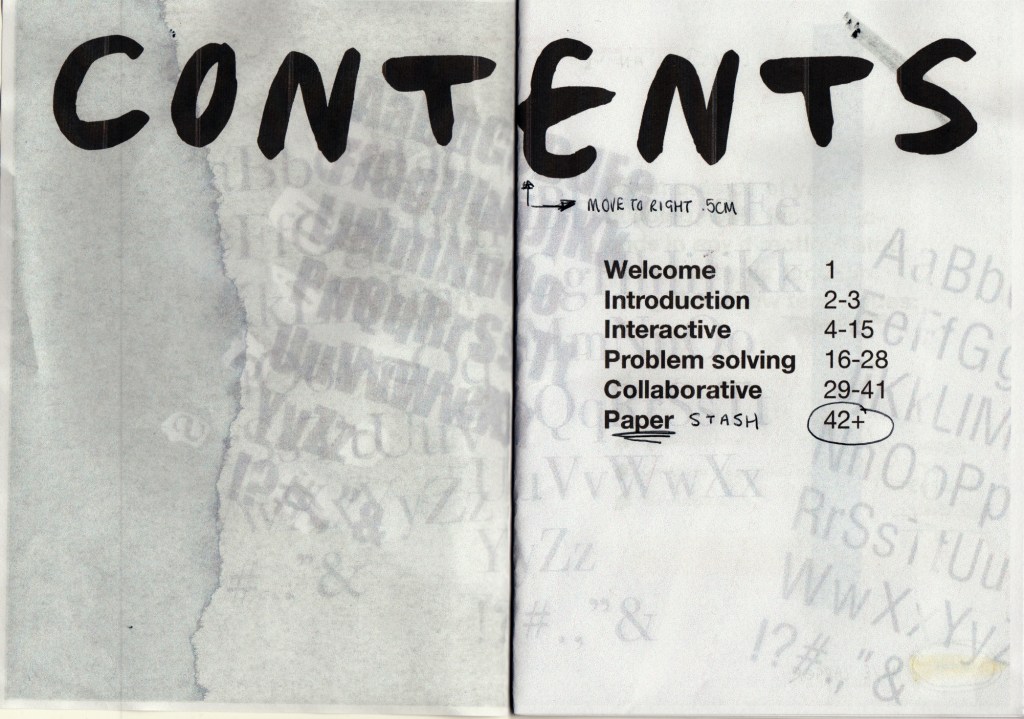


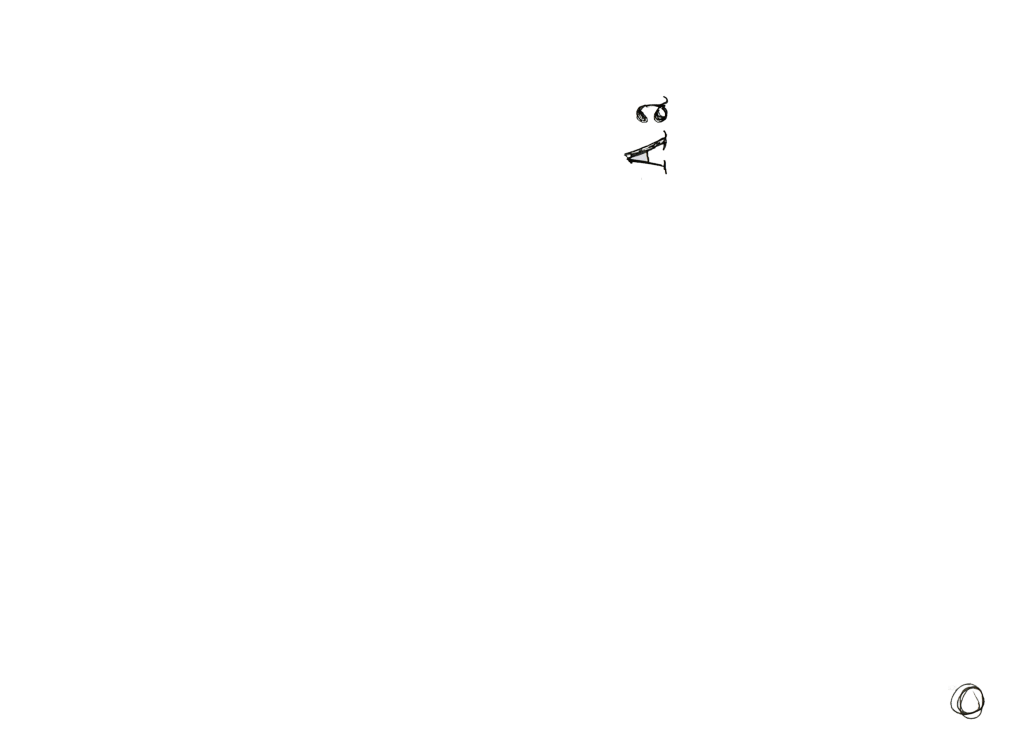
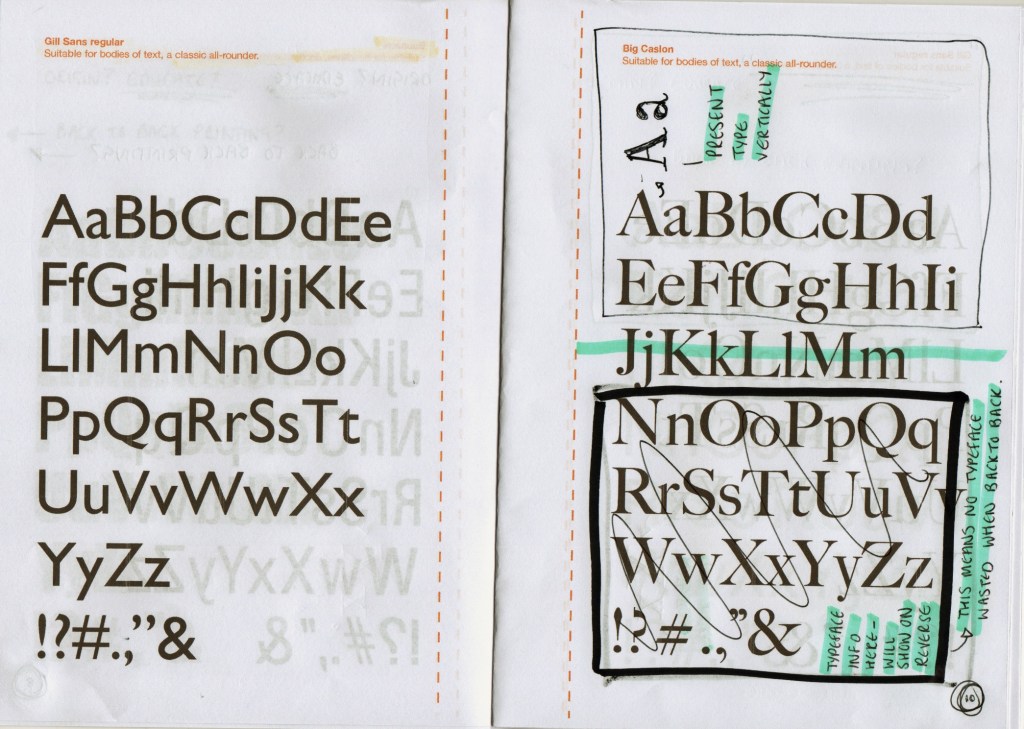
I tried putting in the highlighted pieces above into the design but I didn’t think it was successful due to looking really out of place with blank ink and the colour theme; I also thought it got confusing with activity 3 which is yellow themed. I have also added in the specific typeface information in the activities tear-out pages; this is to educate the designers attending the workshop on who made some of the most popular typefaces and what format they’re best used in i.e. headers or body. (I also learnt about them myself (on the next page) which was really beneficial!):
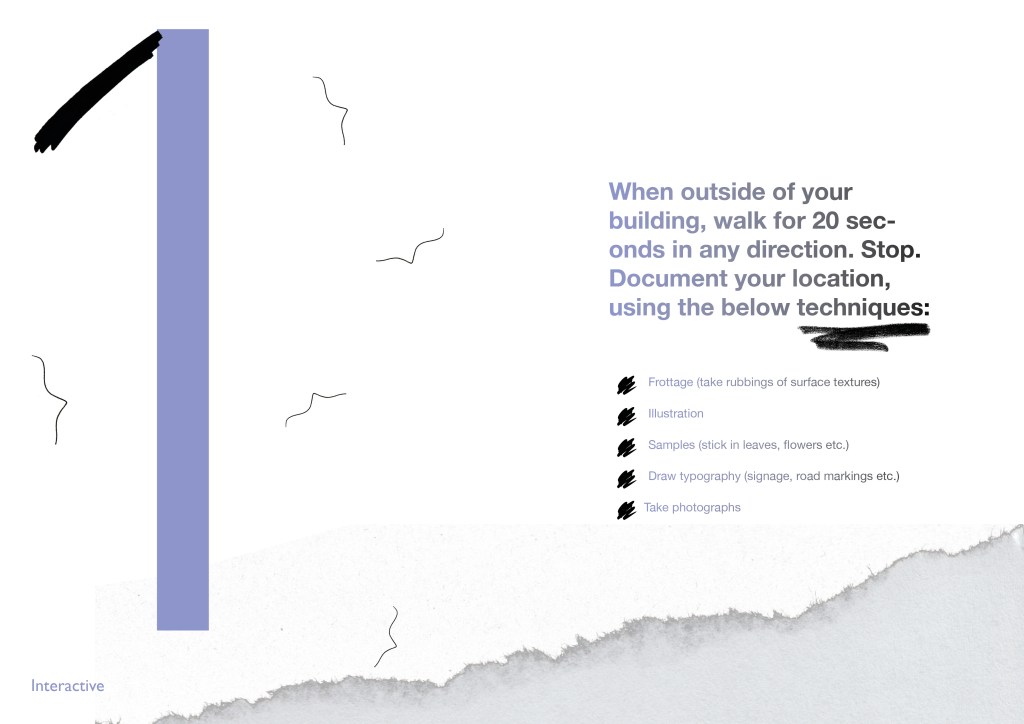
Lines added in left page 
Arrow added on right page, page numbering circle added 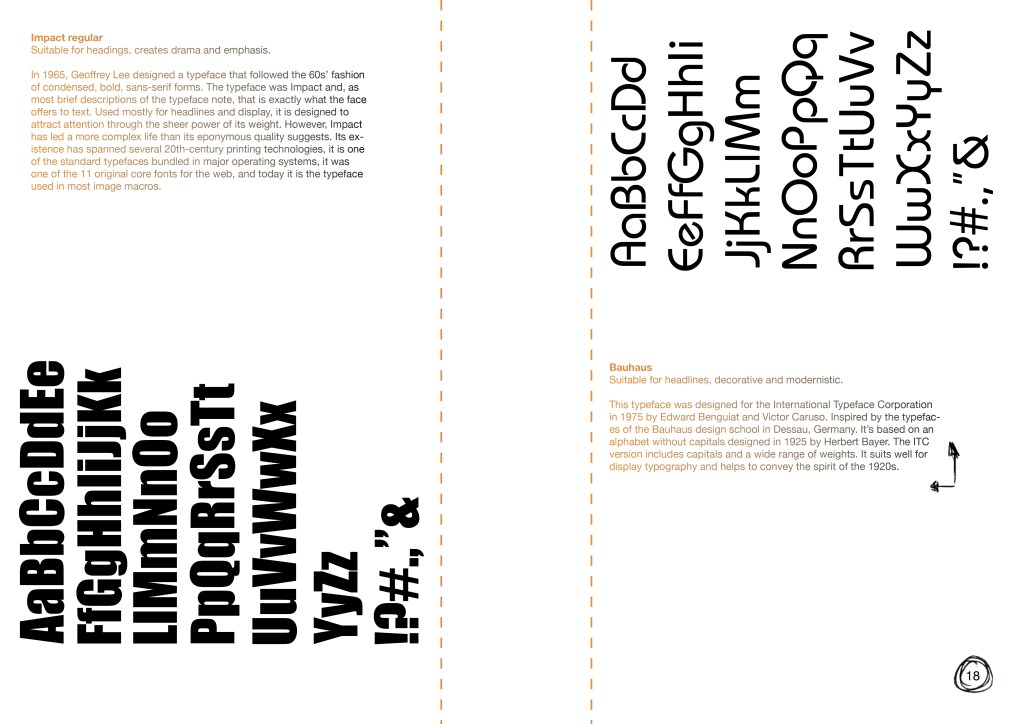
Arrow added on right page, page numbering circle added 
Arrows added on both pages, page numbering circle added 
Page numbering circle added 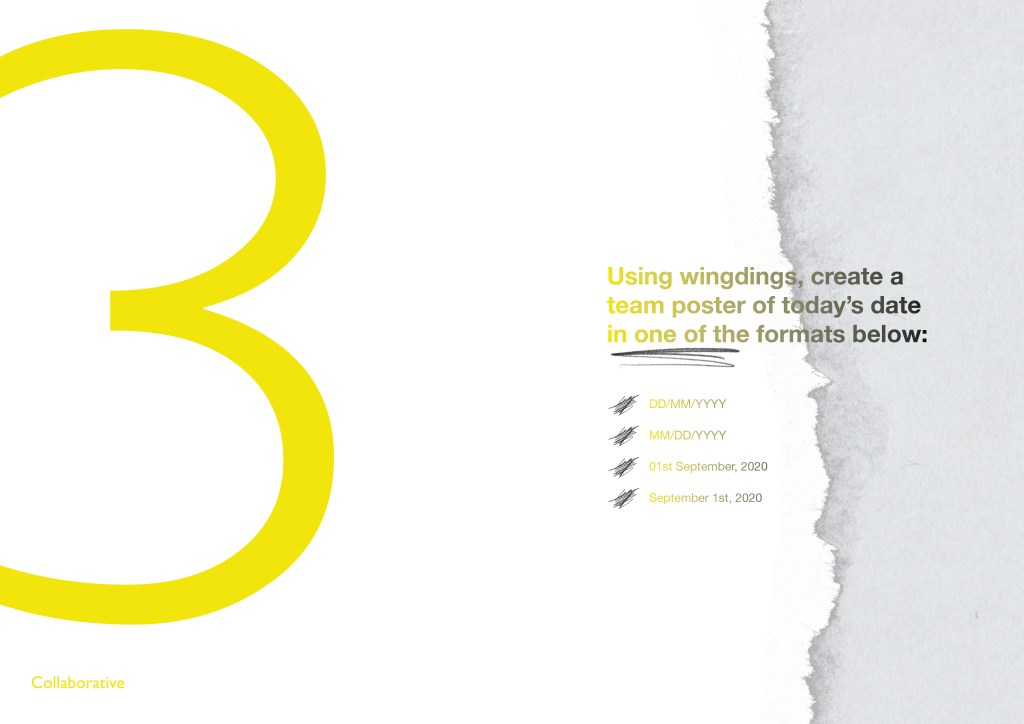
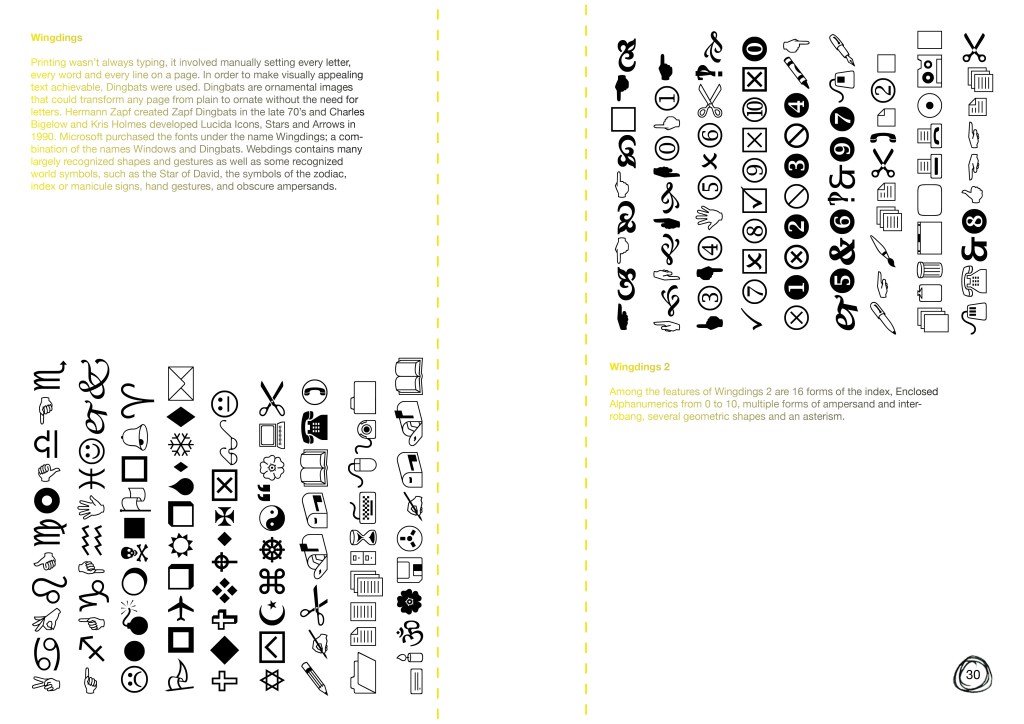
Page numbering circle added 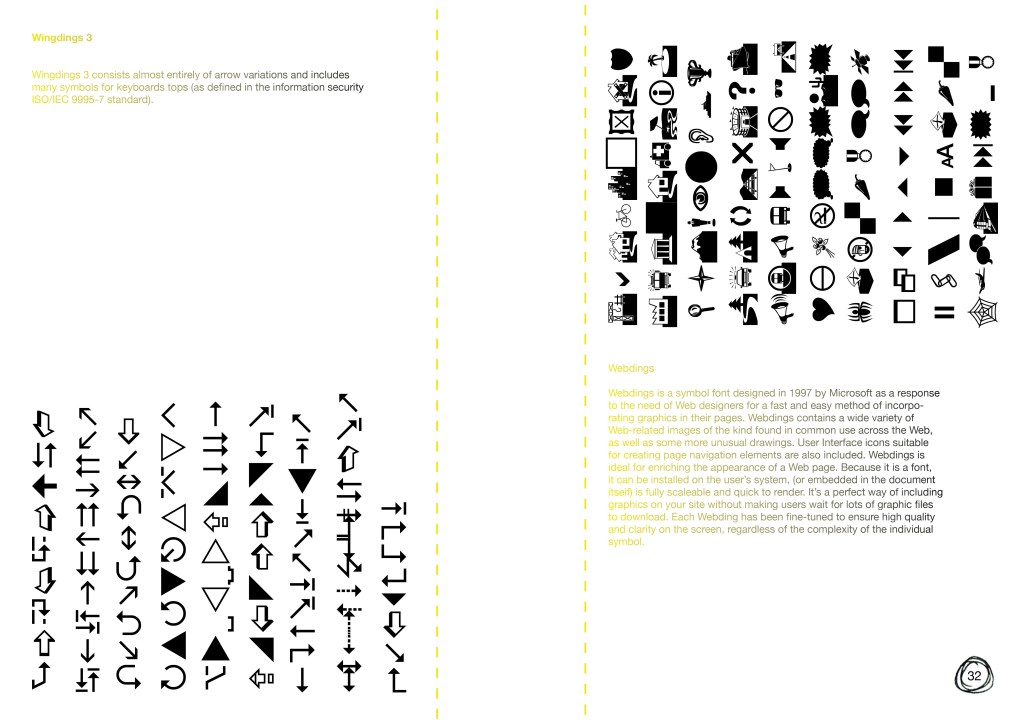
Page numbering circle added
Feedback version #6
What is effective:
• Tear-out pages are much more appropriate for their functionality. Having the text arranged in this way means the designers in the workshop will only cut into the ‘information’ about the typeface rather than another set. It’s also much more eco-friendly arranging them this way as utilises most of the space on 1 back to back page
• The subtle colour scheme – really contrasts well with the black but is enough to identify each ‘type’ of activity (interactive, problem solving, collaborative)
• Page numbering to align with contents page, in circled scribble format from my hand drawn mock-up amendments
Areas for improvement:
• Consider activity 2 where the number is hiding behind the ripped paper – it looks effective. Can I introduce all the numbers in activities in this way? Overlay the ripped paper texture and experiment
• Consider including more of the doodle scan in drawings on the number pages like I have done for activity 1
 jesswhatley.design.blog